FAQ
Where to login, how the chase works, what is included, and how demos start.
In one line
People and leads.
Stages and posters.
WhatsApp and email.
Never miss a touch.
Business is the goal.
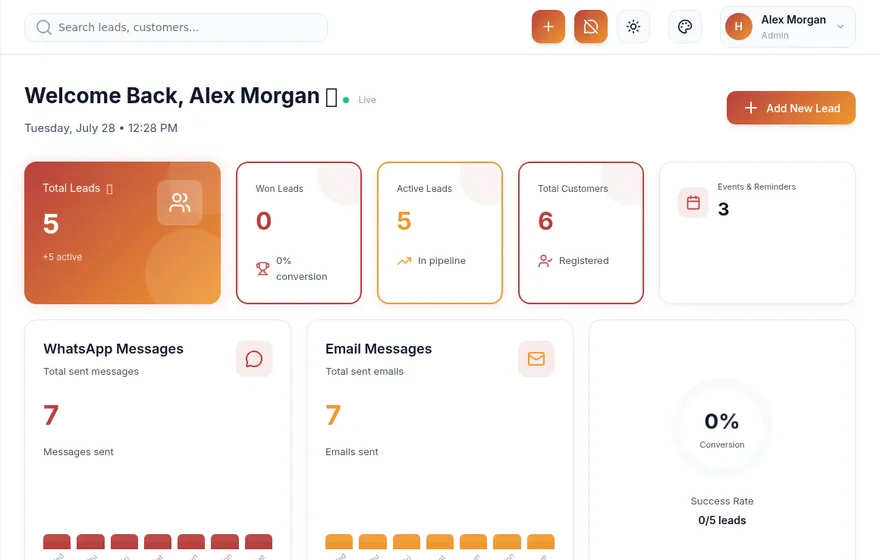
Pyppler is follow-up software for sales teams: add a lead or contact, and the system nurtures with WhatsApp, email, posters, stages, and reminders until the conversation converts to business. CRM modules support that engine — they are not the headline.
Tenant admins and users login at app.pyppler.com. The marketing site on pyppler.com is for learning and demos — use the Login button in the header.
Use Book a demo on pyppler.com. We receive your enquiry in SuperWebAdmin Demo Inquiries and follow up on the email or mobile you share.
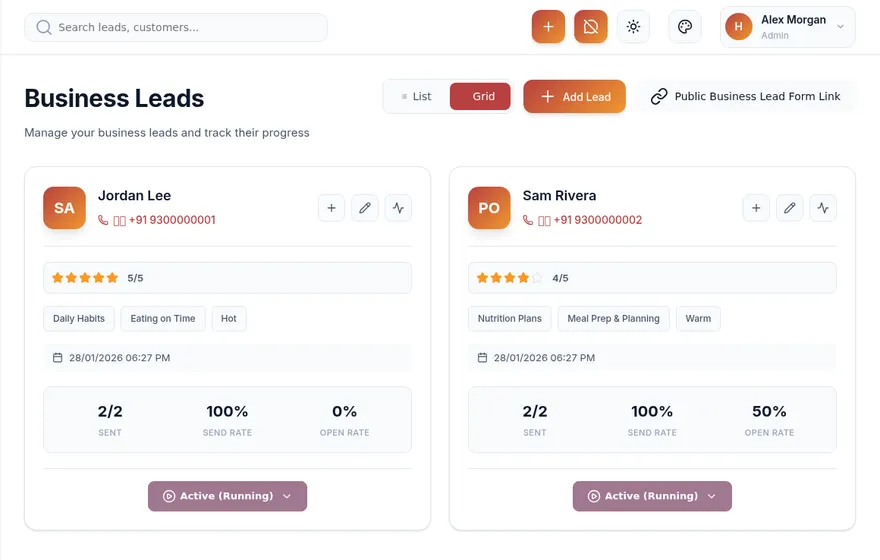
You add people and leads, set pipeline stages and nurturing content, connect WhatsApp and email, then use reminders and messaging so the next touch does not depend on memory. See how it works.
WhatsApp engagement is available on Professional and above (as configured in your plan). Connect via the WhatsApp / Kwital tools inside your company settings so follow-ups can land on the channel people answer.
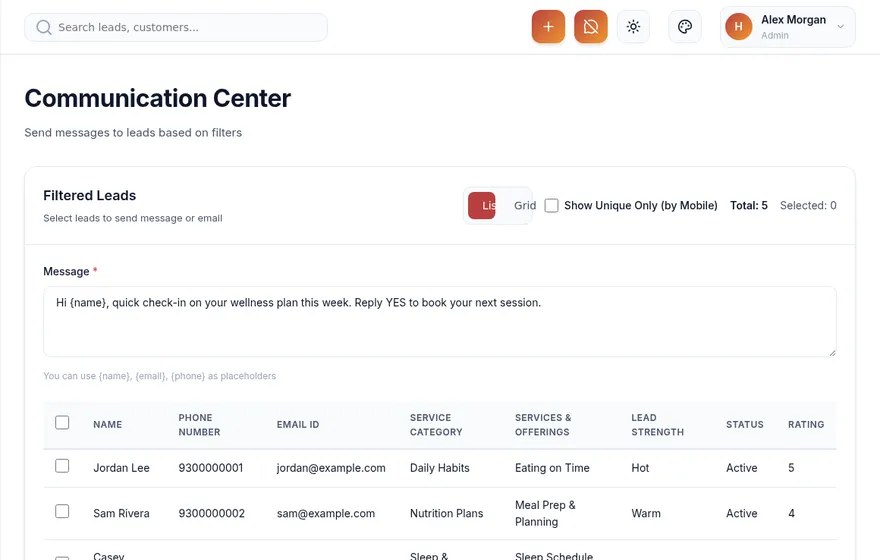
Yes. Configure company SMTP and send from Communication Center alongside WhatsApp — part of the same follow-up loop.
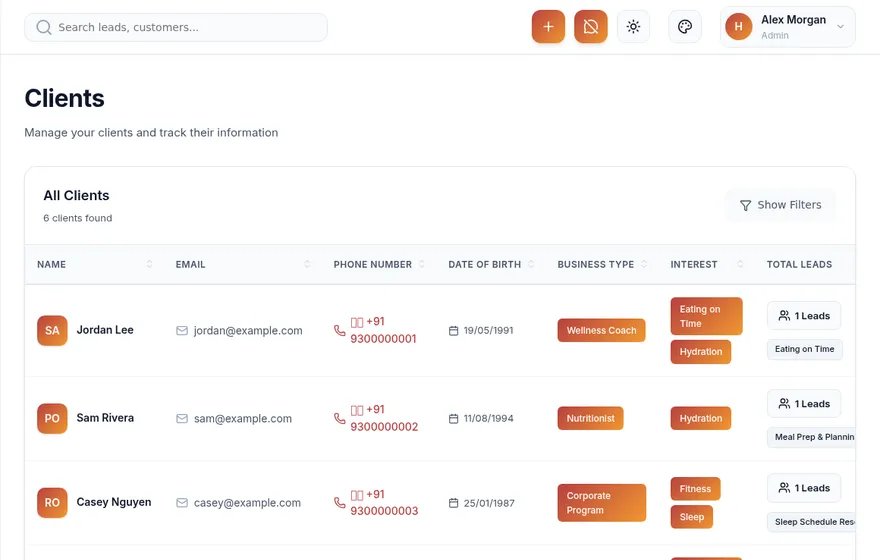
Yes. People can be added individually or imported via the contacts tools in your company admin — including one-time list uploads — so the chase has somewhere to start.
Invite users under Team Management and control access with Roles & Permissions so every follow-up has an owner. Data stays scoped to your company instance.
Choose Basic, Professional, or Enterprise from Plans & Billing after login. Limits cover categories, leads, clients, events, and team seats. See pricing for a public comparison.
Yes. Pyppler is multi-tenant: each company gets a scoped workspace. Team members only see data inside their company.
Teams that must follow up — healthcare journeys, real estate desks, education admissions, and everyday service businesses. Explore use cases.
Email info@pyppler.com or send a message via the contact form.
See it