How it works
A practical first-week path: connect WhatsApp and email, import people, set nurture and stages, then let reminders and messages keep chasing until conversion.
The loop
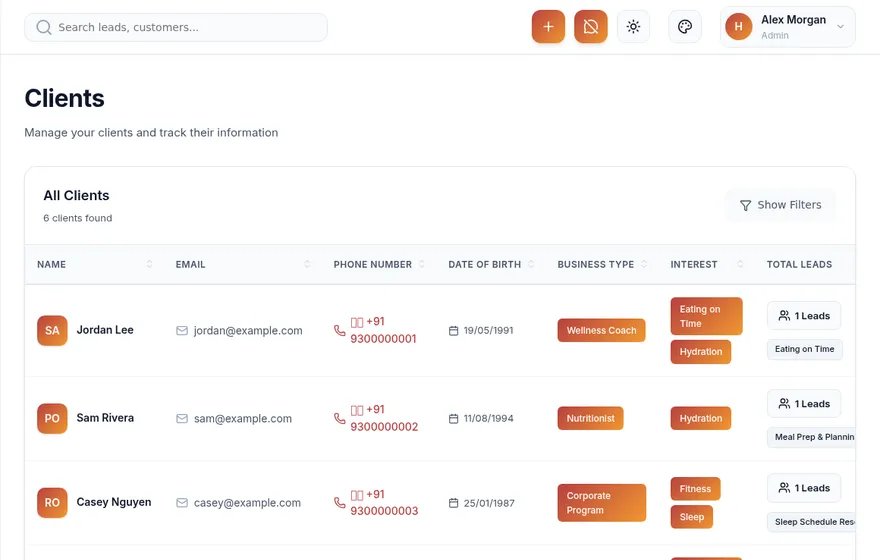
Capture the person so the chase has somewhere to land.
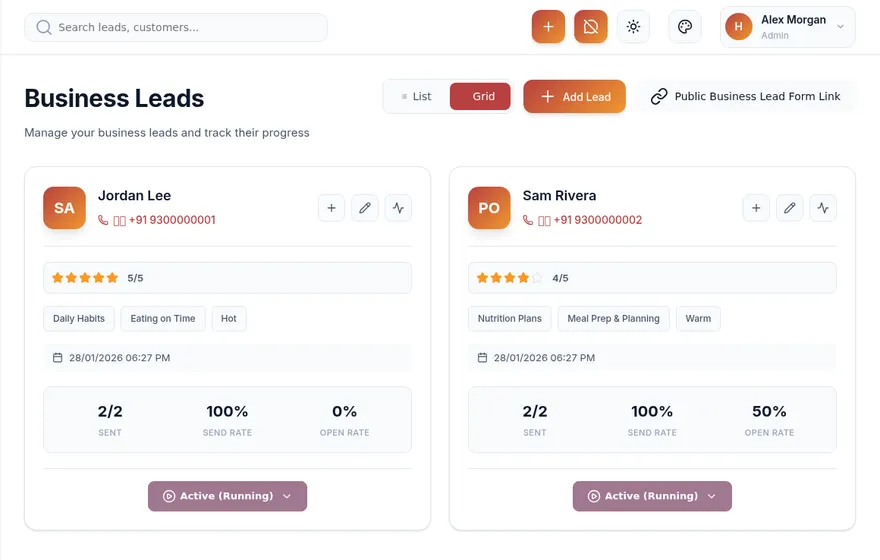
Stages, content, and posters keep quiet leads warm.
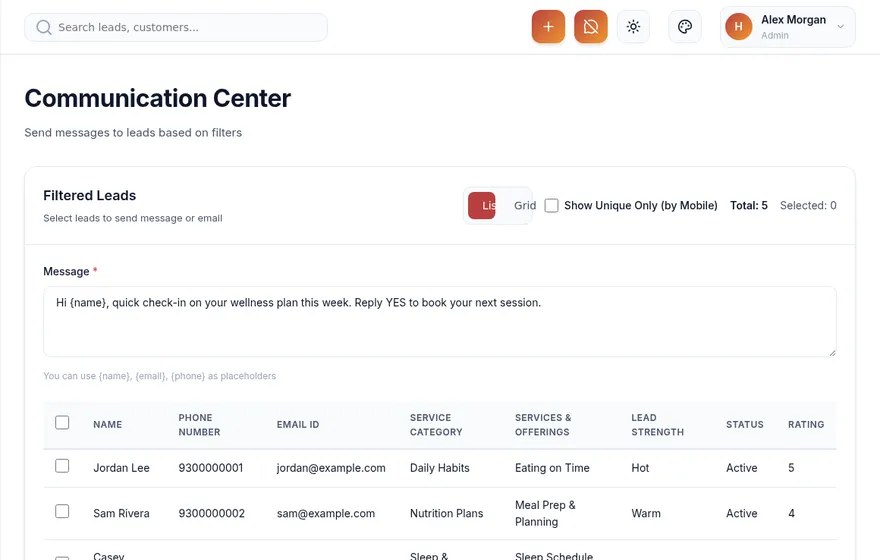
Repeated outreach on channels people answer.
Due touches and events stop silence from winning.
Mark clients when follow-up becomes business.
See it
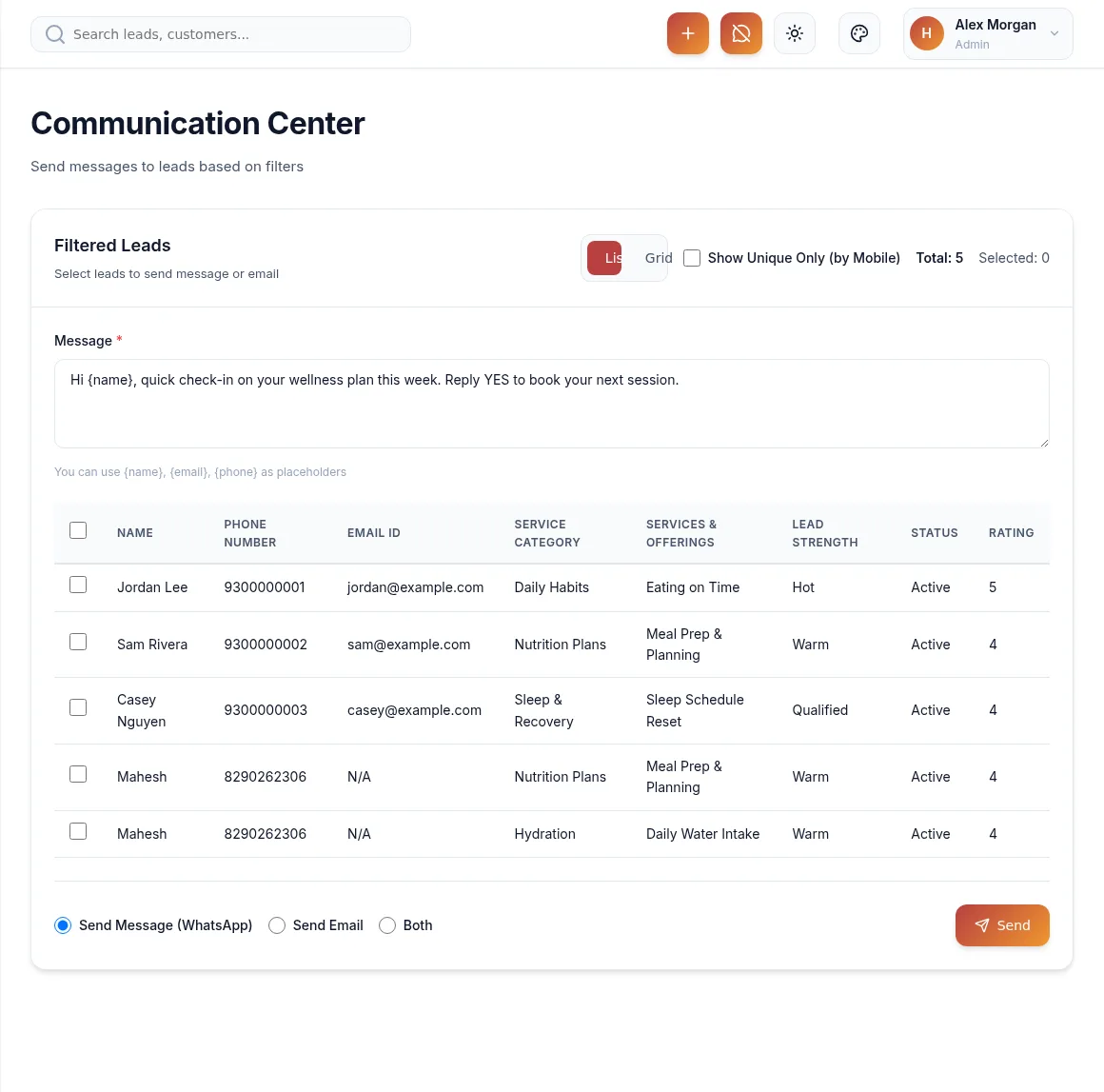
After you connect WhatsApp and email, Communication Center becomes the muscle of the chase — nurture and reminders turn into messages your leads actually see.
First week
Login at app.pyppler.com. Each company gets a scoped instance for people, messages, and stages.
Link Kwital WhatsApp and company SMTP so Communication Center can deliver follow-ups.
Bring contacts and leads in, define pipeline stages, and publish nurturing content or posters.
Run WhatsApp and email, schedule events, and set reminders so the next touch never depends on memory.
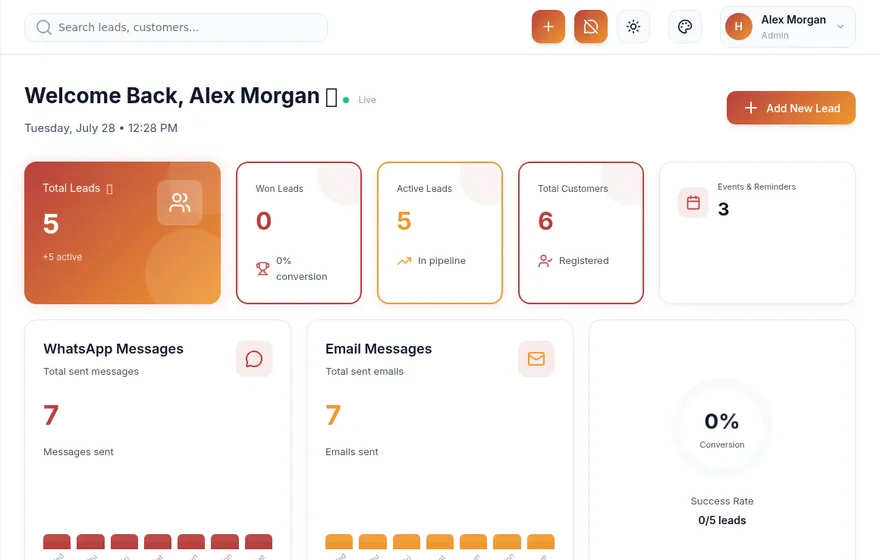
Dashboard and stages show movement from quiet lead to converted client.
Rhythm
Login, glance branding, connect WhatsApp and email.
Import people, set stages, publish first nurture pieces.
Send, remind, review — tighten the follow-up rhythm.

Measure
The dashboard and stages show movement — quiet leads, active nurture, and conversions — so managers are not guessing from chat history.
In the product